
Welcome to Your Netitude Client Portal
The Netitude Client Portal is your central hub for accessing IT support, managing service requests, and getting help when you need it. Designed for existing customers, the portal provides a fast, secure, and efficient way to communicate with our support engineers and track the progress of your requests.
Whether you’re reporting a technical issue, following up on an existing ticket, or accessing emergency remote support, this page outlines the best way to contact our service desk and what to expect once your request has been logged.
Email Support
Existing customers can register a support request by emailing helpdesk@netitude.co.uk
Escalate Your Ticket
Client Portal
The fastest way to get in touch for support is through the IT Support Panel. Login using the credentials we sent you, or request an email link.
You can also find the app on your Desktop in the Systems Tray.
Telephone Support
For urgent issues call our support team.
Call : 0333 2412322
International: +44 1373 453476
Remote Support Tool
Emergency access remote support tool. Click to launch.
How to Get IT Support from Netitude
Netitude offers multiple support channels to ensure you can reach us in a way that suits your situation. Each option is designed for different levels of urgency and complexity.
Logging a Support Request by Email
Existing customers can register a support request by emailing our service desk. This option is ideal for non-urgent issues or when you need to provide detailed information, such as screenshots or error messages.
Email: helpdesk@netitude.co.uk
Using the Client Portal (Recommended)
The Client Portal is the fastest and most effective way to log and manage support requests. Once logged in, you can raise new tickets, view updates, and communicate directly with our support engineers.
You can access the portal using the login credentials provided to you or request a secure email login link. The IT Support Panel app is also available on your desktop system tray for quick access.
Telephone Support for Urgent Issues
For urgent or business-critical issues, telephone support allows you to speak directly with a member of our support team. This ensures critical incidents are prioritised and addressed as quickly as possible.
UK: 0333 241 2322
International: +44 1373 453476
What Happens After You Log a Ticket?
Once your support request is submitted, it is reviewed by our service desk and scheduled based on urgency and impact. You will receive updates as your ticket progresses, and our engineers will contact you if additional information is required.
All tickets raised through the Client Portal or email are fully logged, tracked, and managed to ensure accountability and timely resolution.
Escalating a Support Ticket
If your ticket is not progressing in line with your business requirements, you can escalate the issue using our formal escalation process. This ensures visibility at the appropriate level and helps us resolve issues as efficiently as possible.
Accessing the IT Support Panel App
You can access the Client Portal on mobile or tablet devices by downloading the IT Support Panel app. This allows you to raise and track tickets on the go, so you can reach support wherever you are.
Emergency Remote Support Access
When immediate technical assistance is required, Netitude provides an emergency remote support tool. This allows our engineers to securely access your system and resolve issues in real time when authorised.
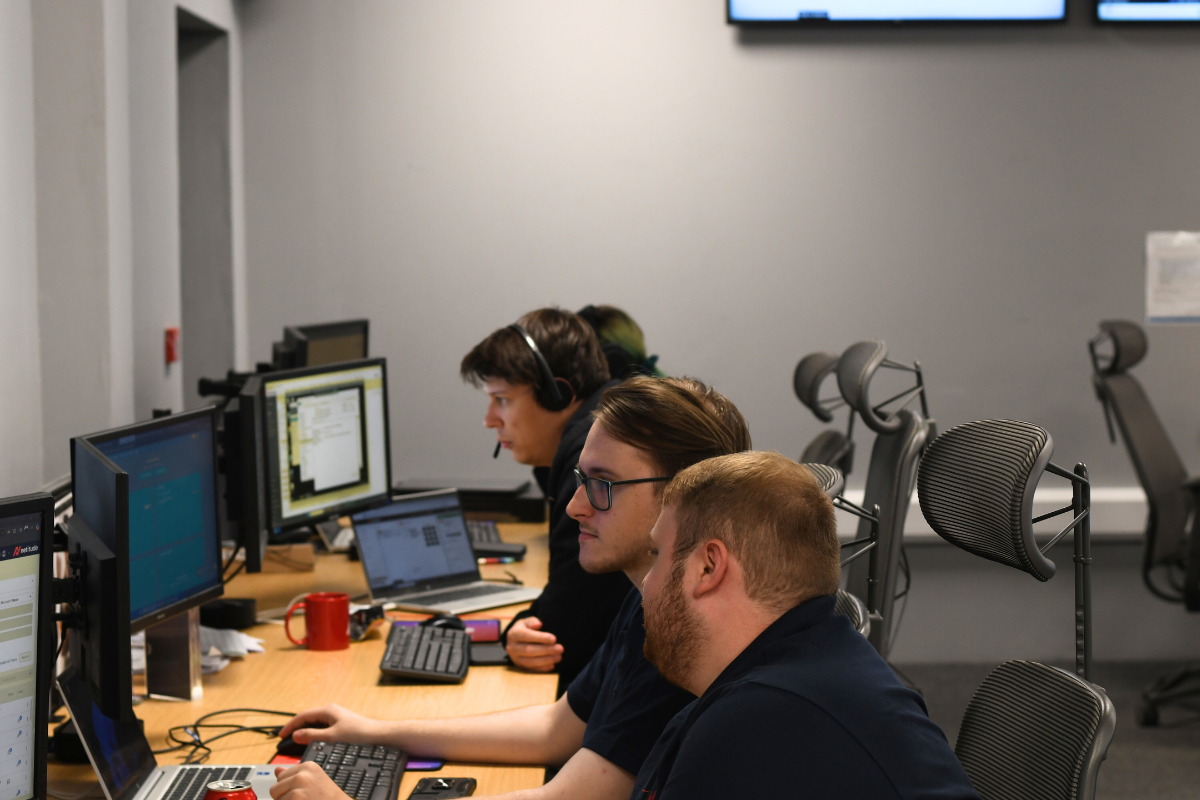
The People Behind Your IT Support
A Dedicated Team You Can Rely On
Behind every support request is a team of experienced IT professionals focused on keeping your business running smoothly. Netitude’s service desk is made up of skilled engineers who deal with a wide range of technical challenges every day, from user issues and software queries to complex infrastructure and security concerns. Because our service desk works closely with customers on an ongoing basis, they build a deep understanding of each organisation’s environment. This familiarity allows issues to be resolved faster, reduces repeat problems, and ensures support feels consistent and dependable rather than transactional.
Experience That Translates Into Better Support
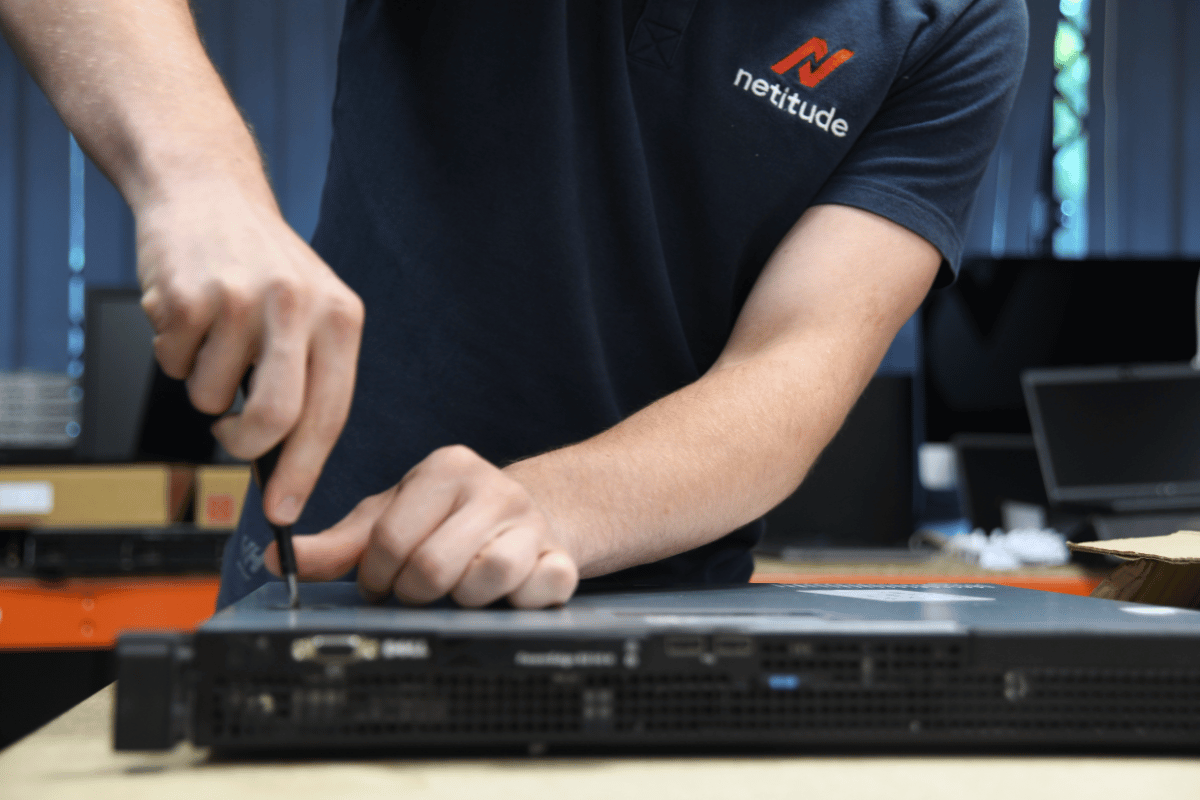
Our service desk brings together a broad mix of technical experience across cloud platforms, Microsoft 365, cybersecurity, and modern workplace technologies. This collective knowledge means your requests are handled by engineers who understand not just the immediate issue, but the wider impact on your business. Continuous exposure to real-world customer environments allows our team to refine processes, share insights internally, and apply proven solutions across our client base. The result is support that improves over time, not just reactive fixes.

Shaped by Ongoing Client Feedback
Feedback from our customers plays a vital role in how we deliver IT support. Our service desk regularly reviews client feedback to identify what’s working well and where improvements can be made. This helps us refine response times, communication, and overall service quality. By listening to the people who use our support day to day, we ensure our service desk continues to evolve in line with real business needs. This focus on continuous improvement helps us deliver a support experience that is responsive, transparent, and genuinely helpful.
Frequently Asked Questions (FAQs)
Who can access the Client Portal?
The Client Portal is available to existing Netitude customers with active support agreements.
What is the fastest way to get support?
For most issues, logging a ticket through the Client Portal provides the fastest response and tracking. Otherwise, drop the team a call:
UK: 0333 241 2322
International: +44 1373 453476
When should I call the service desk?
Telephone support should be used for urgent or business-critical issues requiring immediate attention.


